Recording in Lecture Rooms (Podcast)
uzh-wcms-publications.subpageListDialog.labelUnterseiten
Overview
We record lectures, series of events, or one-off events for you and provide you with a video management platform, Switch Cast (based on Kaltura).
What is Being Recorded?
During a recording, the speakers are captured by default using a fixed camera shot, along with the presentation. The blackboard and the overhead projector are not recorded.
The recording is automatically converted for online viewing (no live streaming) and/or for download. You can publish your recording on a website, in an OLAT course, or via a direct link.
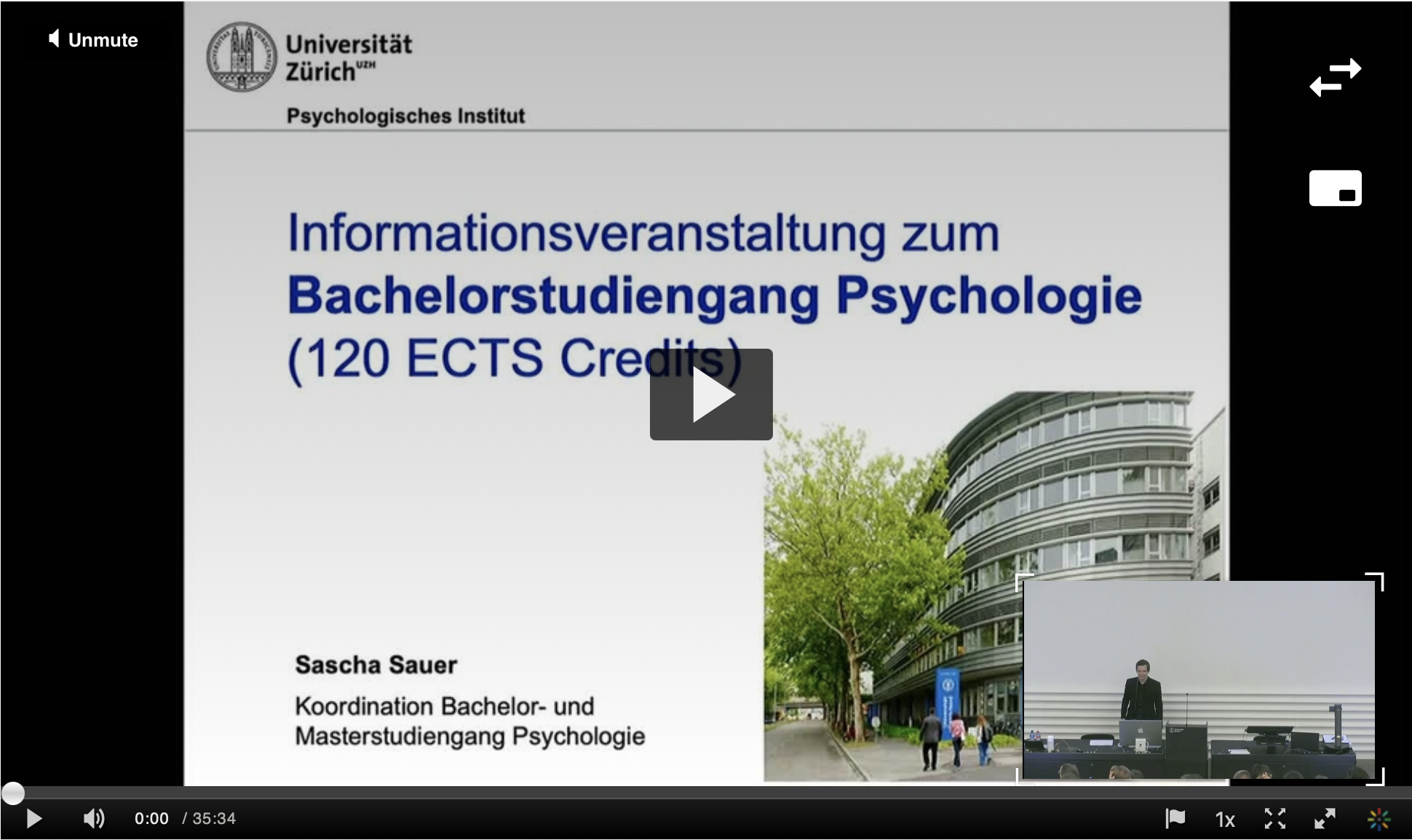
Example of a podcast: Informationstage - Psychologie
Where Do We Record?
Over 55 lecture halls and seminar rooms are equipped for recording. List of suitable rooms:
The following overview shows which seats are not visible in recordings and livestreams.
How Do We Record?
Recording quality is determined in terms of the most common usage, i.e. providing students with access to lectures after they took place.
The quality of the recording is tailored to the most common use case. Lectures are intended to be made available to students after the event.
How Do I Access My Recording?
From request to publication in six steps:
Notes:
- Technical issues: Despite all precautions, technical problems may occur. Please take this into account when preparing your lecture. We recommend providing students with additional learning materials (not just videos).
- Lecture materials: For copyright reasons, learning materials should be made available via the OLAT learning platform or a protected UZH website.
Costs
The recording of university lectures and events is free of charge.
